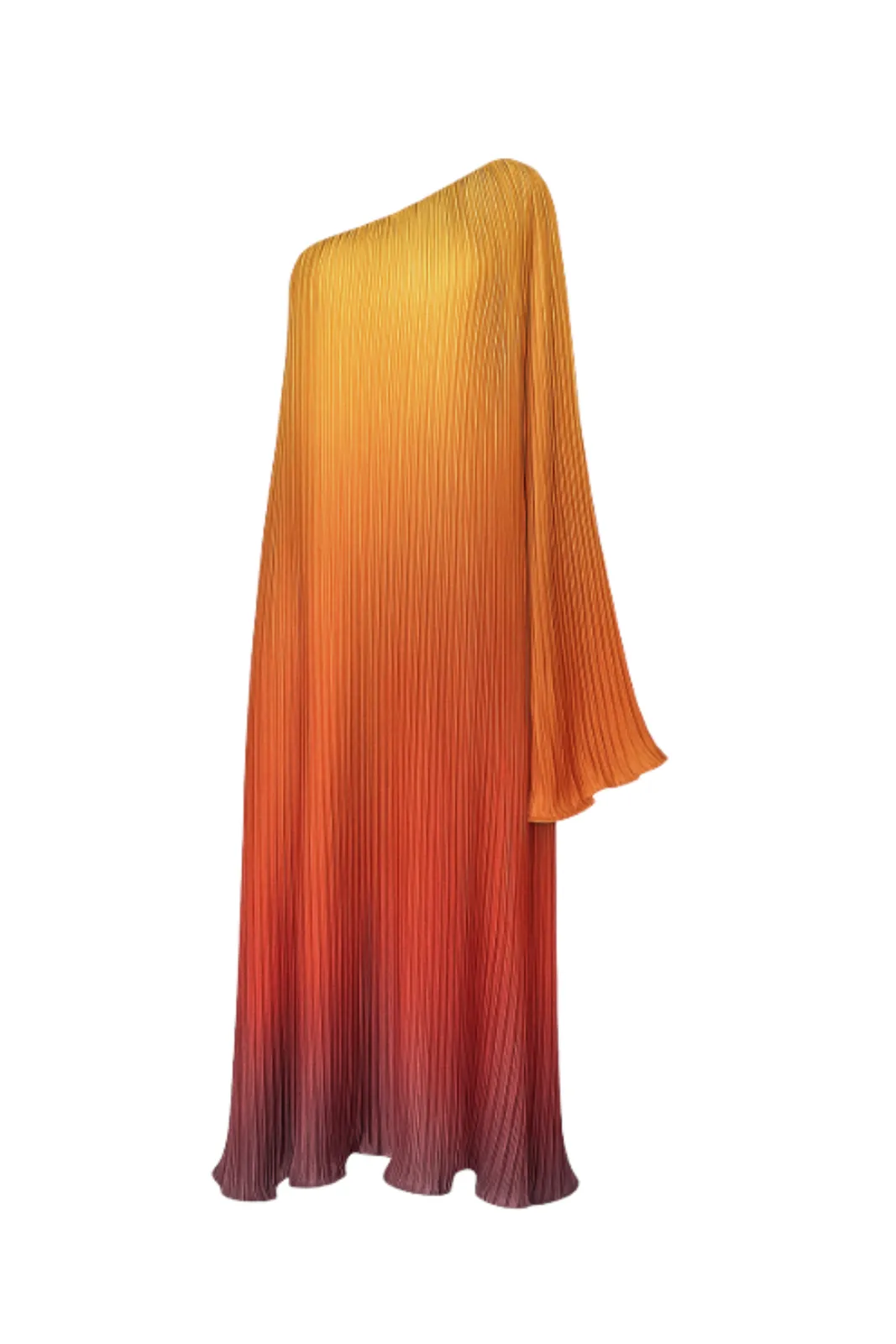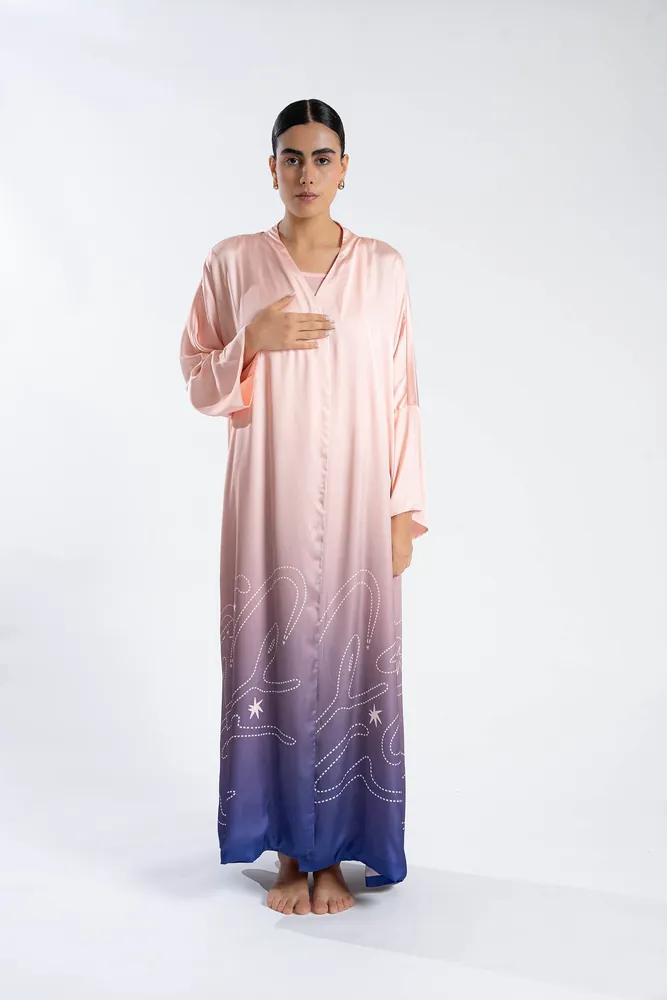
If you sell fashion in the Gulf or North Africa, there is a good chance your products live in more than one place: a Shopify store, a Noon listing, an Amazon listing, maybe an Instagram shop. Each platform has its own image rules, and a photo that looks perfect on your own store can be rejected — or quietly shown less — on a marketplace.
This checklist gathers the image requirements each platform publishes for sellers, with a link to every source. We only include numbers we found in official documentation or in posts by the platform's own staff. Where a rule depends on your category or marketplace, we say so. Platforms update their rules, so treat this as a starting point and check the linked pages before a big upload.
01The rules almost every platform agrees on
Before the platform-specific details, here is what all three point towards:
- Show the real product, complete and uncropped, in the primary image.
- Keep the primary image clean: a plain background, no text, logos, watermarks, borders or price information.
- Use sharp, high-resolution photographs — not drawings, mock-ups or placeholder images.
- Show only what the customer will receive. Props and accessories that are not included confuse shoppers.
- Be consistent. Same framing, same background and same aspect ratio across a collection make your catalogue easier to browse.
02Noon
Noon publishes a detailed page on image requirements and common rejection reasons in its seller help centre. The key points for fashion sellers:
Technical requirements
- Format: JPEG or JPG only.
- Size: image width of at least 660 pixels, with a width-to-height ratio of at least 0.5 (so an image can be up to twice as tall as it is wide).
- Resolution: 72 PPI or higher.
- File size: no more than 10 MB per image.
- Colour: RGB or sRGB.
- Framing: for products shot vertically, leave a 10% margin at the top and bottom; for products shot horizontally, a 5% margin on both sides. The product should cover roughly 70–80% of the frame.
Primary image
- A front view of the product.
- Background: pure white for most categories, but for fashion Noon recommends a light grey background.
- No lifestyle images as the primary image (they are welcome as additional images).
- Light shadows only — no hard shadows or hard reflections.
- One view only — multiple angles belong in the additional images.
- No packaging, boxes, bags, or brand and swing tags visible.
Fashion-specific guidance
- For adult apparel, Noon recommends images shot on models rather than flat lays or hangers, except for swimwear and underwear.
- For kids' apparel, it recommends flat lays or products shot on hangers.
- It recommends at least three images per product, showing different angles, sizes and textures or fabrics.
Image order
Noon gives a standard sequence: front view, back view, side view, any other angles, details, then usage. The primary image should always be the front view.
Common rejection reasons
Images without the product's packaging removed, cropped products, low-resolution or blurry images, duplicates, images that do not match the product, and images with borders, prices, dates, watermarks, seller names or logos.
03Amazon
Amazon's full image requirements sit in Seller Central's help pages, which require a seller login. The figures below come from a 2026 post by an Amazon moderator in the official Seller Forums, which summarises the main-image standard and links to the help pages.
Main image
- Background: pure white (RGB 255, 255, 255).
- Fill: the product should fill 85–100% of the image frame.
- Complete product: no cropping or sectioning.
- Only what is included in the purchase — no extra props or accessories.
- No text, graphics, logos, watermarks or promotional messaging.
Technical requirements
- Format: JPEG preferred; PNG, TIFF and GIF are also accepted.
- Size: at least 1,000 pixels on the longest side for zoom to work; 1,600 pixels or more is described as optimal.
- Resolution: at least 72 dpi.
For fashion sellers
Amazon also has category-specific style rules for clothing, shoes and accessories — for example, about how garments may be shown on models or mannequins in the main image. These vary by category and marketplace, so check the style guide for your category in Seller Central for the marketplace you sell on (such as amazon.ae or amazon.sa) before you shoot. Additional images (on-model, details, lifestyle) have more freedom than the main image.
04Shopify
Shopify is your own store, so there is no approval step — but there are upload limits, and your theme will look much better if your images are consistent.
- Size: Shopify's product media help page says product and collection images can be up to 5,000 × 5,000 px or 25 megapixels, and must be smaller than 20 MB. Its page on theme images lists a 20-megapixel and 20 MB limit for uploads. Staying comfortably below both avoids surprises.
- Recommended size: for square product images, Shopify says 2,048 × 2,048 px usually displays best.
- Aspect ratio: Shopify recommends using a consistent aspect ratio for your main product images, so collection pages line up neatly.
- Formats: the product media page names PNG, then JPEG, as the best file types, and also accepts TIFF, BMP, GIF, SVG, HEIC and WebP. Shopify then serves images in the best format for each visitor automatically.
Because you control the design, Shopify is where you can use on-model, lifestyle and campaign images most freely. The main thing to protect is consistency: one aspect ratio, one background style and one framing for every primary image in a collection.
05One shoot, three platforms: a practical workflow
You do not need three separate shoots. You need one good set of originals and a few exports.
- Shoot or generate high-resolution originals. Aim for images that clear the largest requirement you have — for example, at least 1,600 pixels on the longest side for Amazon zoom, and around 2,048 px for square Shopify images.
- Keep a clean primary image for each product: front view, whole product visible, no props, no text. Export one version on pure white for Amazon and one on light grey for Noon fashion listings.
- Add on-model images as your second and third images. On Noon, adult apparel on models is the recommended primary style, so a clean on-model front view can work as the primary image there.
- Add a back view and a close-up of the fabric or main detail.
- Export JPEGs in sRGB under 10 MB each, which satisfies Noon's limits and fits within the others.
- Check framing against each platform: Noon's margins and 70–80% coverage, Amazon's 85–100% fill.
If producing on-model images for every product is the bottleneck, AI can help: TallaAI turns the product photos you already have — flat lay, ghost mannequin or on-model — into on-model images with the pose, light and background you choose, consistent across a collection and up to 4K. You can export a light-grey version for Noon and a white version for Amazon from the same starting point. Read our guide on how to photograph your product for AI to get the best input, and see pricing for how credit packs work.
06Sources
- Noon Seller Help Center: Image requirements and rejection reasons for the seller SKU
- Amazon Seller Forums (post by an Amazon moderator): Product Photography Standards: What's New in 2026
- Amazon Seller Central help (login required): Product image requirements
- Shopify Help Center: Product media types
- Shopify Help Center: Theme images
Requirements checked on 3 October 2026.