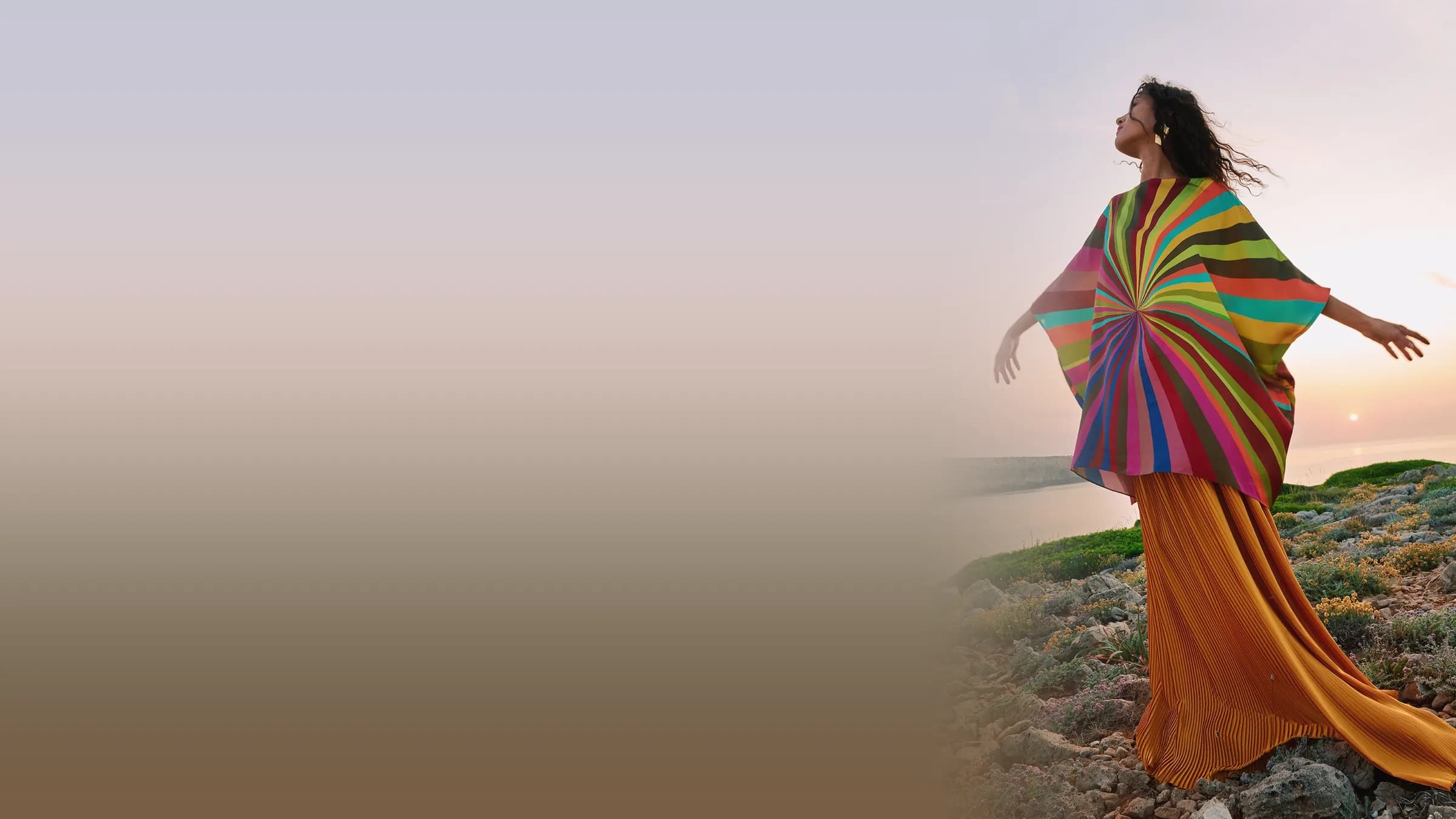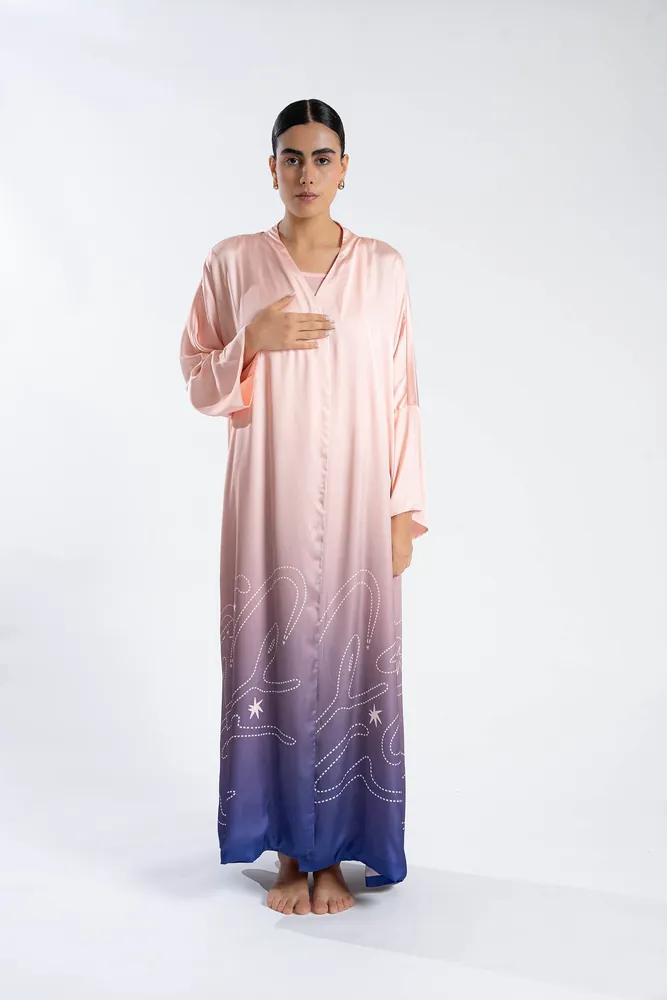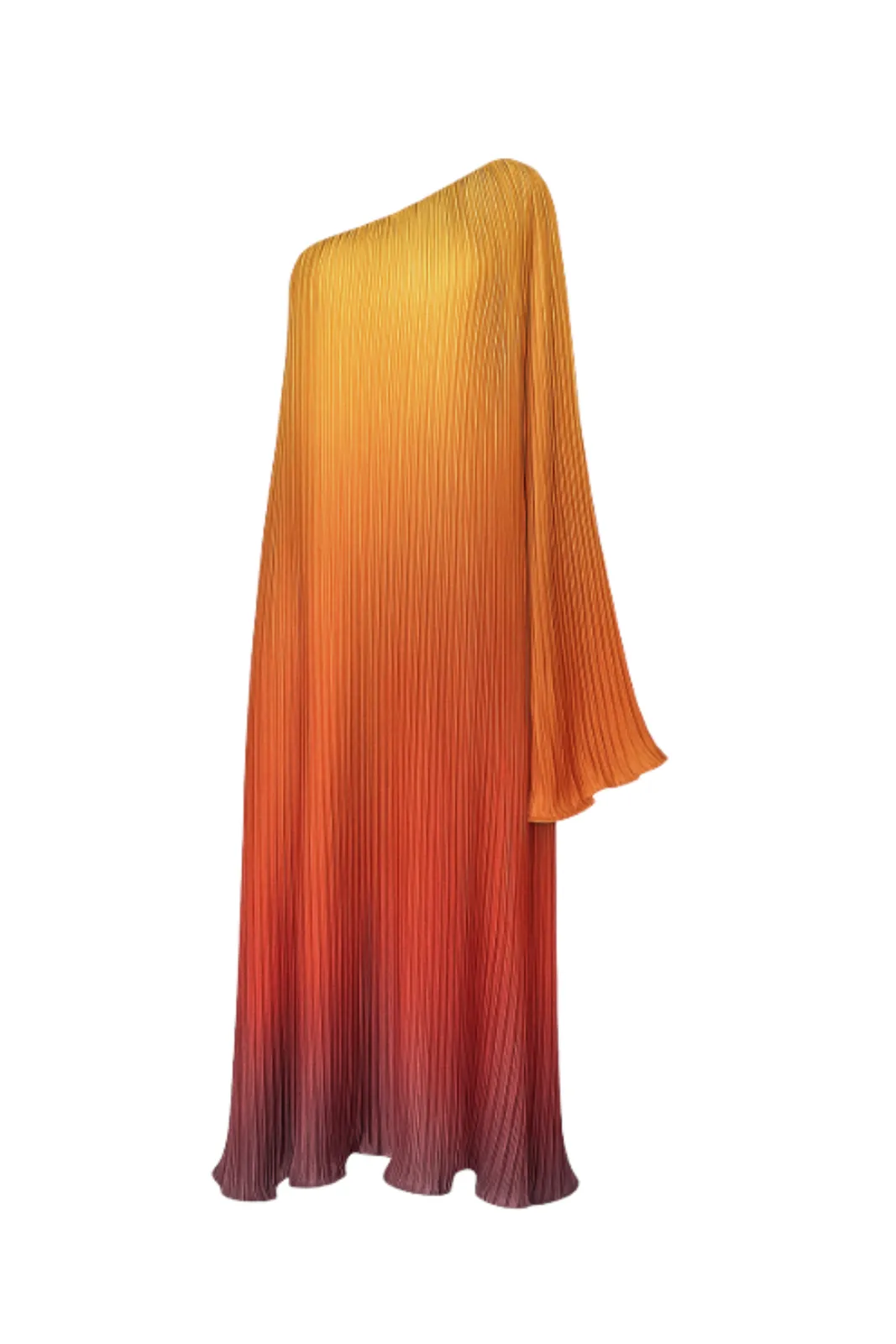
AI can now take a photo of a garment and show it worn by a model, in a pose, light and location you choose. But it can only work with what you give it. If the colour in your photo is off, the generated image will be off. If a sleeve is folded under, the model may wear a garment with a strange sleeve. If the print is blurry, the print will be guessed rather than reproduced.
The good news: you do not need a studio to get a strong input image. You need a few habits. This checklist covers what matters most, in the order you will meet it on a shoot.
01Start with the right kind of product photo
TallaAI starts from any of the three common product photo styles:
- Flat lay — the piece laid flat and shot from above.
- Ghost mannequin — the piece on a mannequin, with the mannequin removed.
- On-model — an existing photo of the piece being worn, which you want to restage with a different model, pose or setting.
Any of these can work. What matters is that the photo shows the whole garment clearly and honestly. If you are shooting from scratch, a ghost mannequin or a neat flat lay is the easiest to get right, because the garment's full shape is visible and nothing covers it.
02Light: soft, even and true to colour
Lighting is the single biggest factor in how faithful the result will be.
- Use soft, diffused light. A large window with indirect daylight is excellent. Avoid direct midday sun, which creates hard shadows and blown-out highlights.
- Light the garment evenly. One side should not be much darker than the other. If it is, bounce light back with a white board, a sheet of foam core or even a white bedsheet on the dark side.
- Avoid mixed light. Daylight from a window plus a warm ceiling bulb gives the garment two colours at once. Switch off room lights when you shoot near a window.
- Watch the colour. Compare the photo with the garment in daylight on your screen. If the colour is wrong in the input, it will be wrong in every generated image. Fix white balance before you upload, not after.
- Keep shadows soft and small. A soft shadow is fine; a hard, dark shadow can be read as part of the garment.
03Background: plain and contrasting
- Use a plain, uncluttered background. A white, light grey or neutral wall, paper or fabric works well.
- Make sure the garment stands out from it. A white shirt on a white background loses its edges; put it on light grey instead. A black dress needs a lighter background so its outline stays clear.
- Remove everything else. Hangers, tags, clips, packaging and props compete with the product. If you use pins or clips to shape a flat lay, keep them behind the garment where the camera cannot see them.
04Shape and wrinkles: prepare the garment first
AI will treat whatever is in the photo as part of the design. A crease can become a seam; a twisted strap can become a design feature.
- Steam or iron the garment right before you shoot. Pay attention to collars, cuffs, hems and the area around buttons.
- Lay it out in its natural shape. Sleeves straight and symmetrical, hem flat, waist not bunched. For a flat lay, gently pull the piece into the shape it has when worn, without stretching it.
- Close what is meant to be closed. Do up buttons and zips unless the piece is designed to be worn open.
- Show the full length. Do not fold long sleeves, wide trousers or the train of a dress to fit the frame — move the camera back instead.
- Use a mannequin that fits. A mannequin that is too small creates folds and gaps; one that is too large stretches the fabric.
05Angles: front first, then the details
- Shoot the front straight on. Hold the camera parallel to the garment — directly above a flat lay, or at chest height facing a mannequin. Tilted angles distort proportions, and those distortions carry over.
- Fill most of the frame, but leave a margin. The whole piece must be visible, with a little space around it. Nothing should be cropped.
- Add a back view when the back is different: an open back, a bow, a zip, a print.
- Add close-ups of important details: embroidery, a print, buttons, a logo, the texture of the fabric. They help you check the generated result, and they make good extra images for your listing.
06Resolution and files: keep the detail
- Shoot at your camera's or phone's full resolution. Use the main rear camera, not the front camera, and avoid digital zoom.
- Keep it sharp. Rest the phone on something stable or use a tripod, tap to focus on the garment, and check the image at full size before you move on.
- Send the original file. Screenshots and images forwarded through messaging apps are often compressed, which softens prints and fine textures. Transfer the original photo instead.
- Do not over-edit. Light exposure and white-balance correction are fine. Heavy filters, beauty retouching or artificial sharpening change the product.
07A quick pre-upload checklist
Before you upload a product photo for on-model generation, check that:
- The whole garment is visible, nothing cropped or folded under.
- The colour on screen matches the garment in daylight.
- The light is soft and even, without hard shadows.
- The background is plain and contrasts with the garment.
- The garment is steamed, symmetrical and in its natural shape.
- Hangers, tags, clips and props are out of the frame.
- The image is sharp at full size and is the original file.
08After generation: review like a customer
Once you have generated on-model images, review them the way a careful customer would. Compare each one with the real garment: colour, length, neckline, sleeve shape, print placement, buttons and any logo or embroidery. Pick the images that are faithful, and regenerate or discard any that are not. The goal is not just a beautiful image — it is an image that shows exactly what the customer will receive.
With TallaAI you can then choose the pose, light and location, swap backgrounds, and keep the same look across a whole collection. If you are unsure which photo style to start from, read our comparison of flat lay, ghost mannequin and on-model photos. And when you are ready to try it, see how credit packs work: no subscription, and credits never expire.