Clean shots and on-model images.
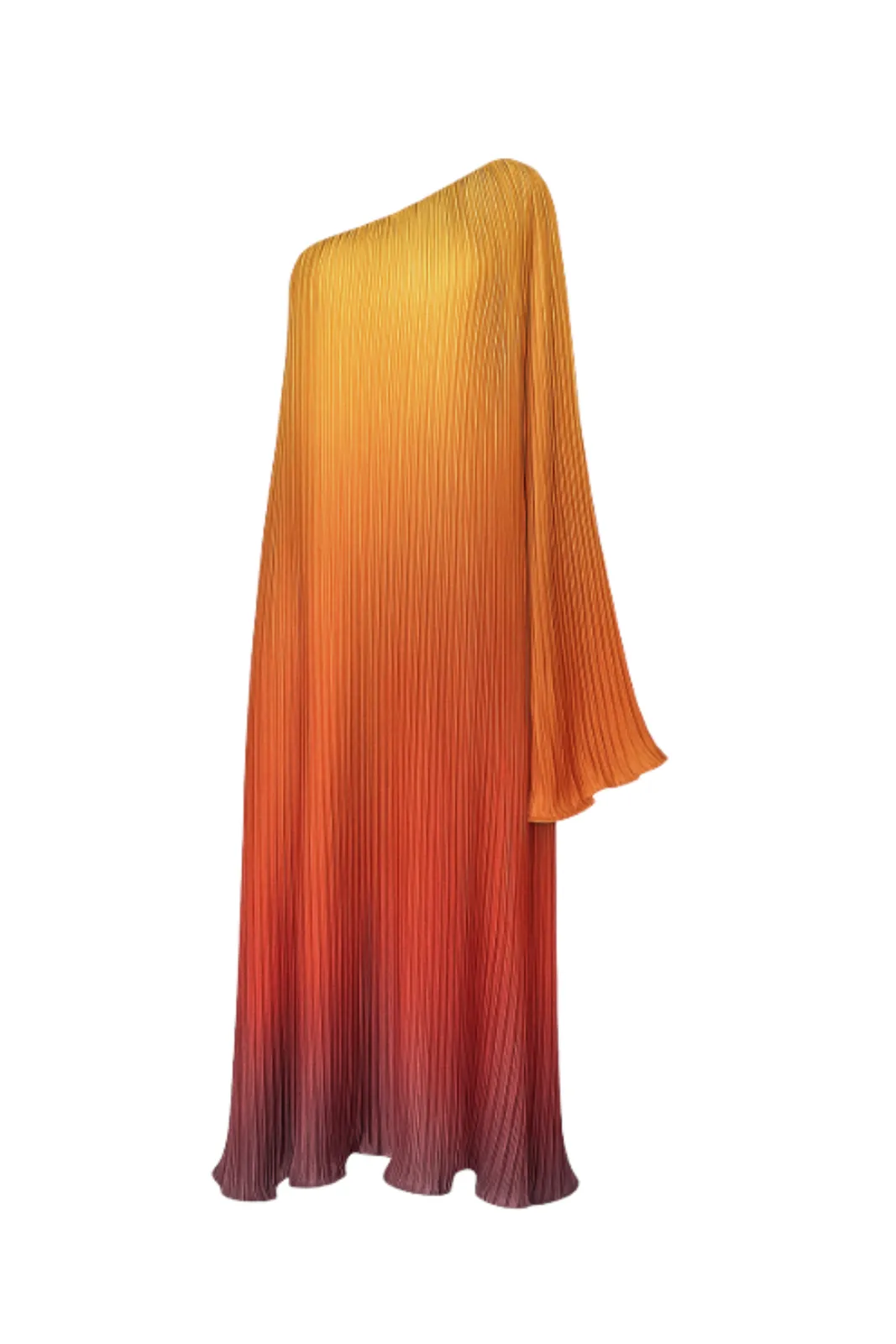
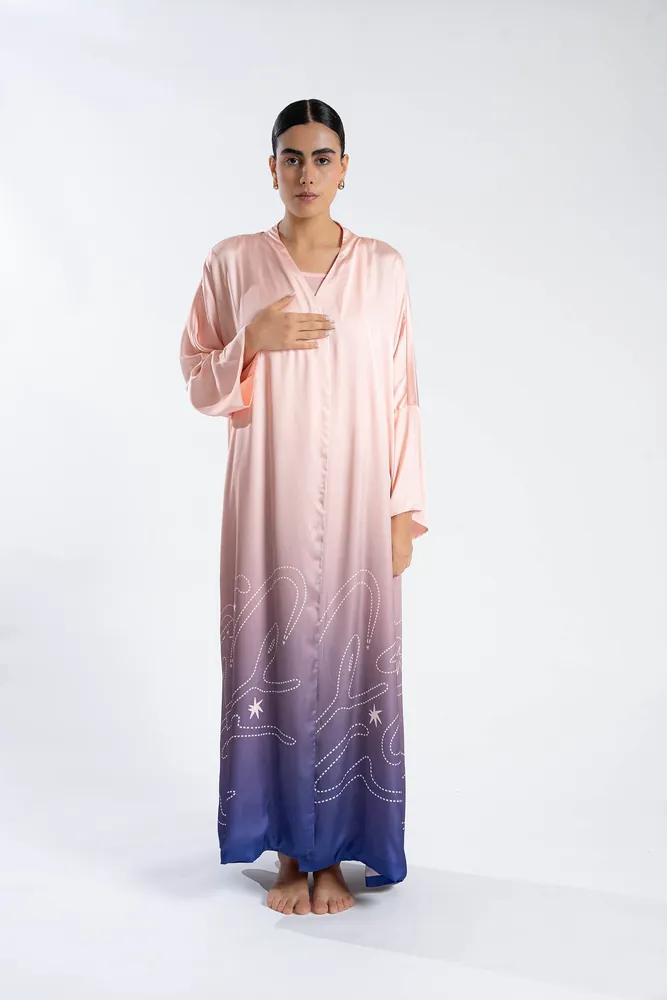
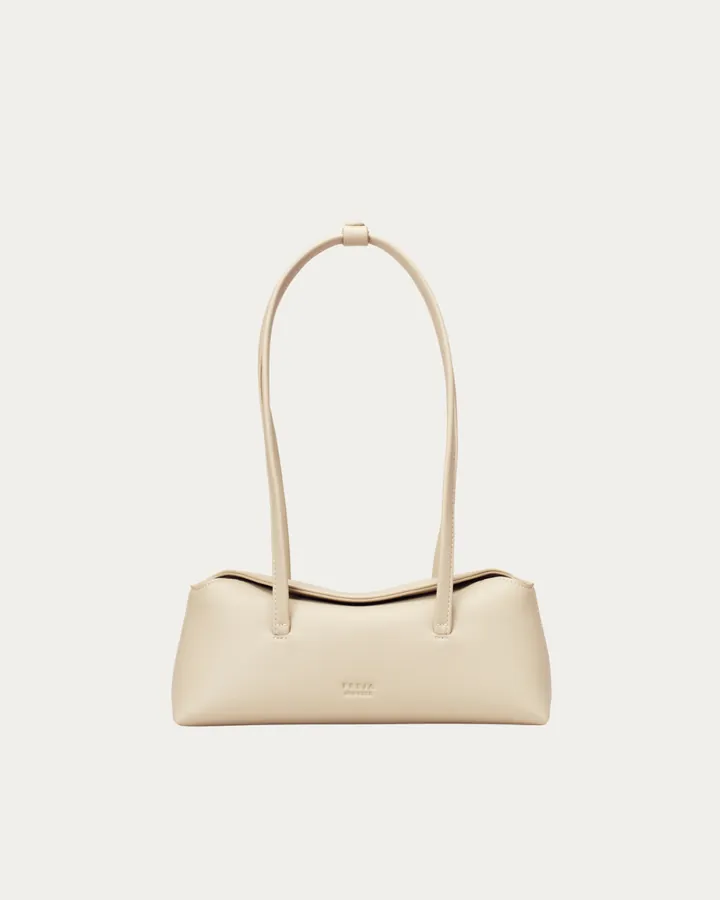
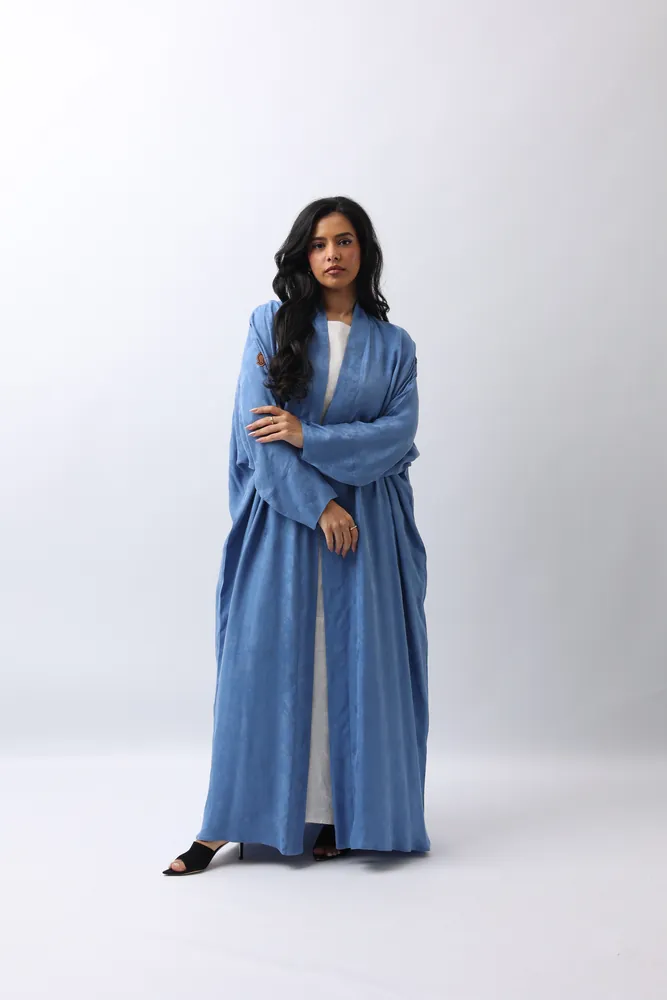
An isolated gown, a dress worn against a plain studio backdrop, a cream shoulder bag and an abaya: the clear, evenly lit kind of image a good listing is built on.
From one photo to a full listing.
- 01
Upload the product
Start from a photo of the product on its own or worn. The clearer the photo, the cleaner every listing image.
- 02
Make the main image
Generate the product on a plain, light backdrop for the first slot, where it needs to stand out in search results.
- 03
Fill the gallery
Add on-model shots in different poses and a lifestyle setting that show fit and use.
- 04
Check the rules and export
Download in up to 4K, then check each image against the platform's current guidelines before you upload.
One source photo, every storefront.
One photo, many listings
Use the same product photo for Noon, Amazon, Jumia and your own store instead of shooting separately for each.
A storefront that looks like a brand
The same light and backdrop across every SKU make your listings and search results look consistent.
On-model where it matters
Clothing is easier to buy when you can see it worn. Gallery slots are where on-model and lifestyle images do their work.
Room to crop and resize
Exports in up to 4K leave room to crop and resize to each platform's dimensions.
Which marketplaces can I use these images on?
Any store that takes standard product images: Noon, Amazon, Jumia, Shopify, your own site and social shops. You download the images and upload them like any other product photo.
Will the images meet each marketplace's requirements?
Rules on backgrounds, sizes and what may appear in the main image differ between platforms and change over time. Check the current guidelines in your seller centre before you upload. TallaAI gives you clean, high-resolution images to work from.
Can I get a pure white background for the main image?
You can generate the product on a plain white or light studio backdrop. Check the result against your marketplace's exact background rules before you upload.
How many images should a listing have?
Most platforms allow several images per listing. A clean main image, a few on-model shots and one lifestyle image make a good base; check each marketplace for its limits.
Can I use the same images on my own store and in ads?
Yes. The images you generate are yours to use commercially, on your store, in ads and on social media.
Related use cases.
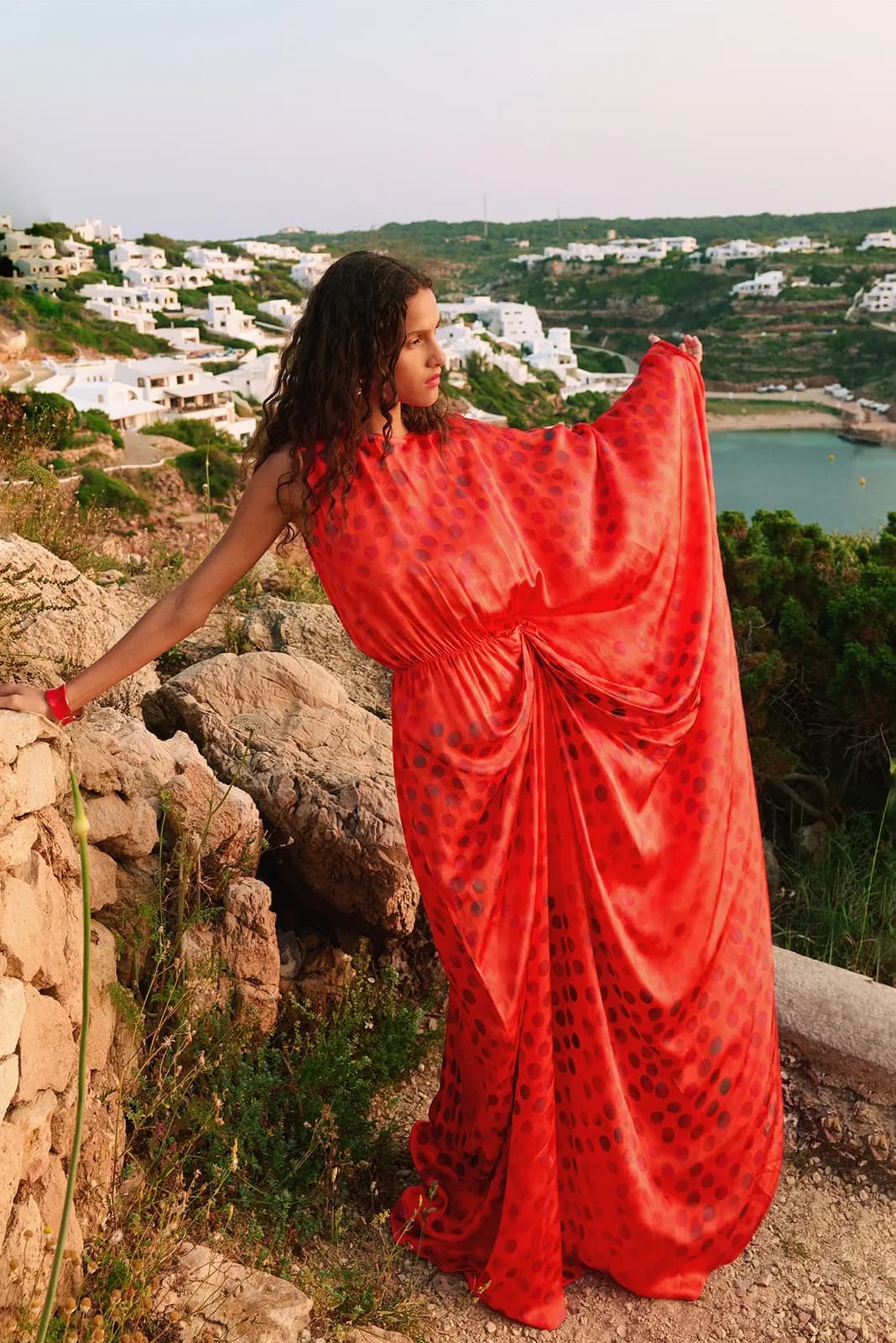
Background swap
Put your products in a studio, on a beach or anywhere in between.
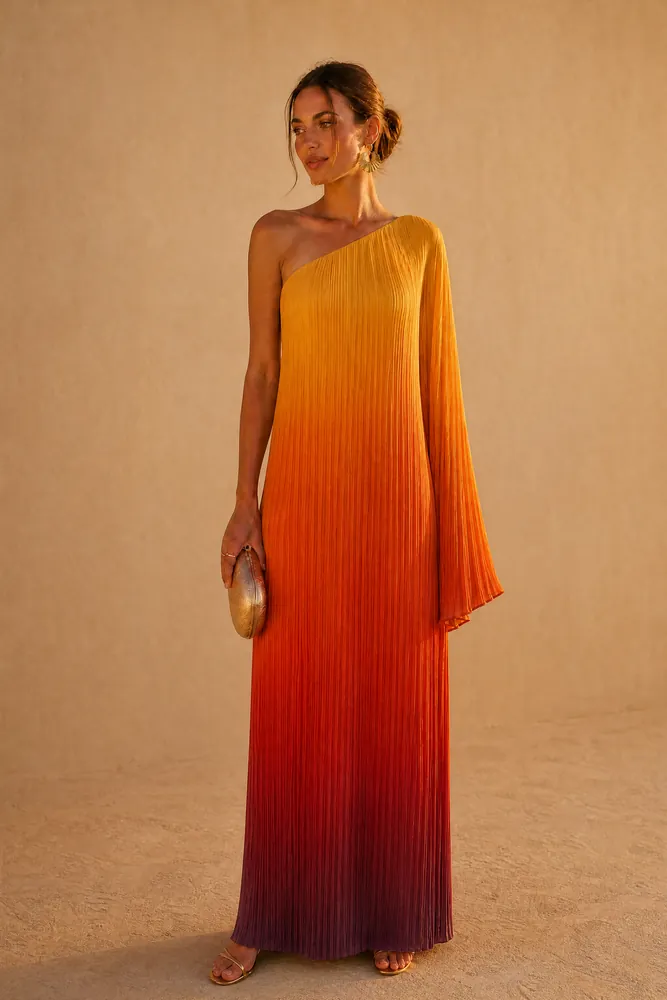
Flat lay to model
Turn ghost-mannequin and flat-lay photos into on-model images.
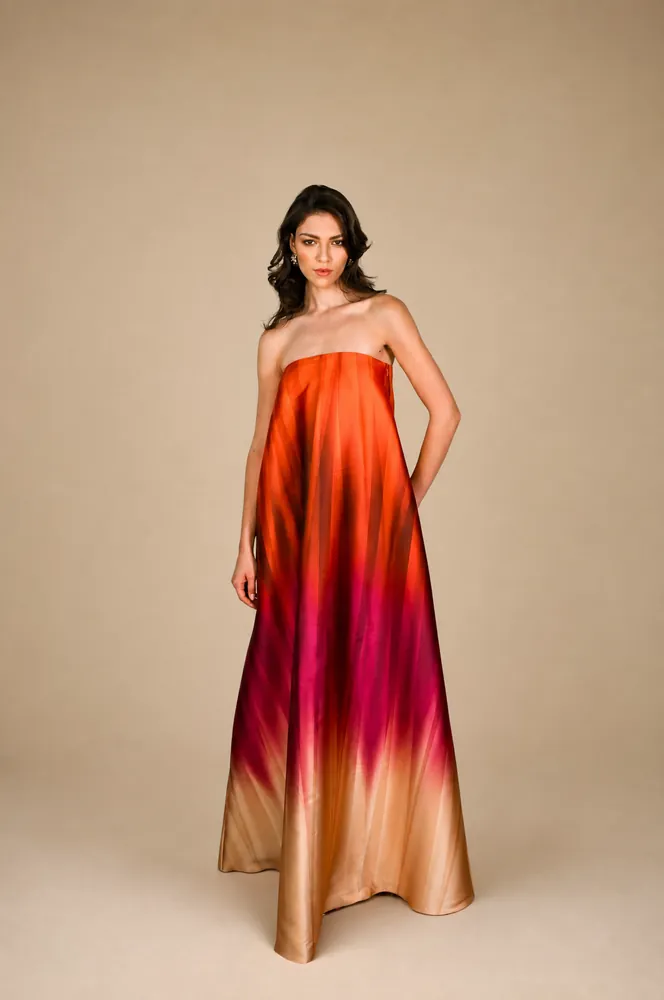
AI lookbook
A consistent lookbook or catalogue for a whole collection.
- The platformThe five steps behind every image, from choosing the model to the 4K output.
- PricingCredit packs with no subscription. Credits never expire, and you start with 20 free.
- GalleryEditorial, e-commerce and lifestyle frames from the TallaAI studio.
Your next campaign,
shot in an afternoon.
20 free credits when you sign up. No card, no contract, no reshoot.