From the product shot to the model.
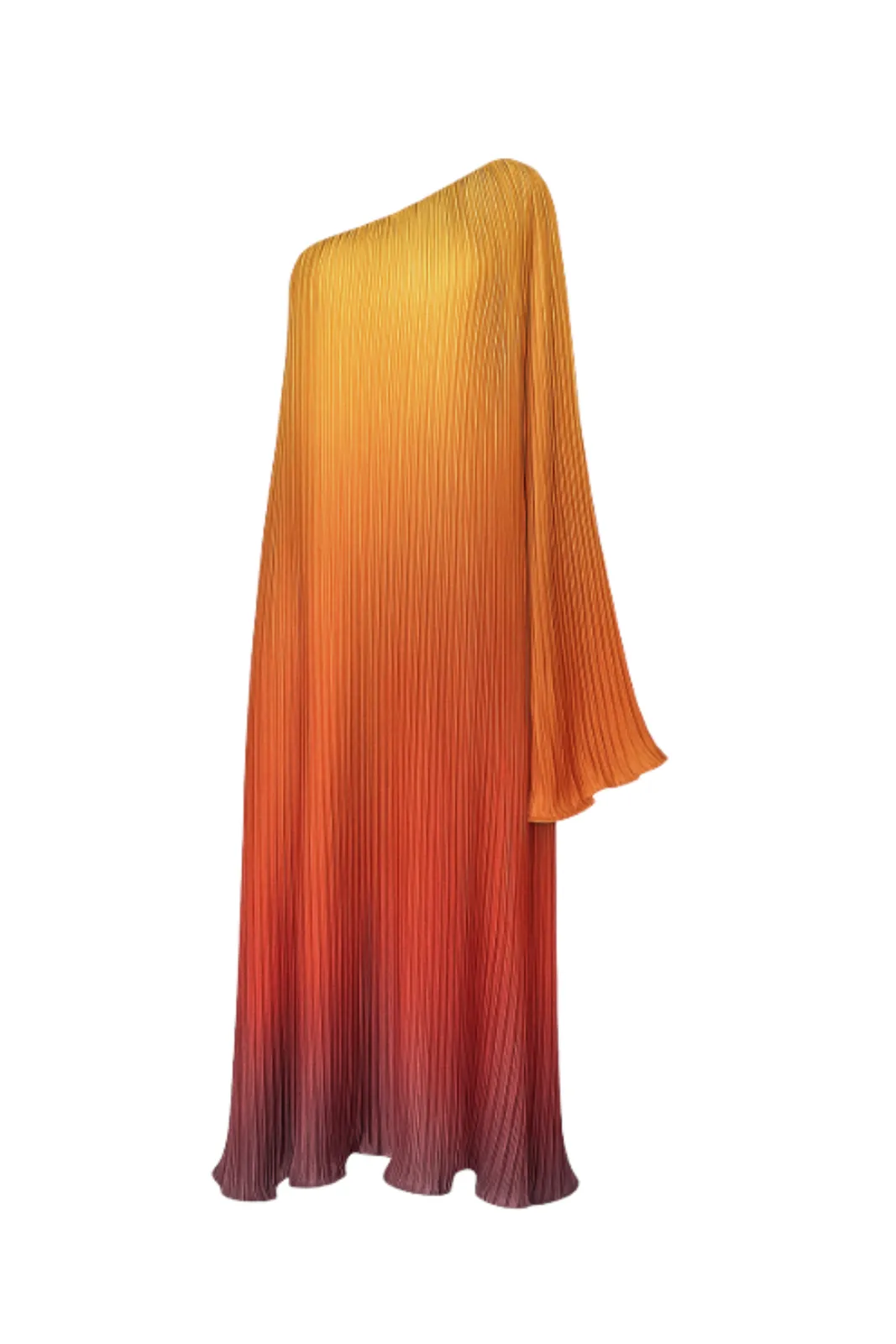
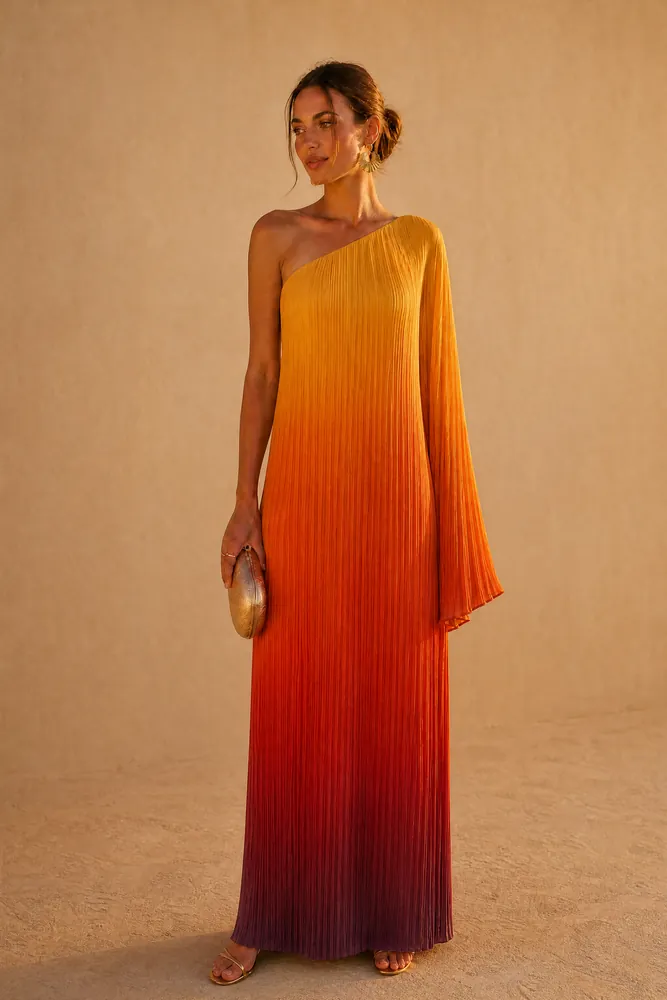
On the left, a pleated ombré gown as an isolated product shot. On the right, the same gown worn. One clear photo of the piece is where it starts: TallaAI keeps its colour, cut and texture and builds the model, pose and light around it.
Four steps from flat lay to on-model.
- 01
Upload the product shot
A flat lay, a ghost-mannequin photo or a picture of the piece worn. One sharp, evenly lit photo is enough.
- 02
Choose your model
Pick the model who fits your brand and your customer, and keep them across the collection.
- 03
Set pose, light and place
Direct the shot: standing or seated, soft studio light or late sun, a plain backdrop or a location.
- 04
Review and export
Check each frame against the real garment, then download in up to 4K for your store, ads and social.
Why brands move from flat lays to on-model.
Shoppers see how it hangs
A flat lay shows the garment. A model shows the drape, the length and the silhouette, which is what people want to judge before they buy.
No shoot to organise
No model booking, studio hire or photographer for every new drop. A new piece can go live as soon as you have its product photo.
Start from the photos you have
Ghost mannequin, flat lay or on-model: the photo you already took for your catalogue is enough to start.
One look across the catalogue
Keep the same model, light and framing from piece to piece, so your collection page reads as a single shoot.
Can I use a ghost-mannequin photo instead of a flat lay?
Yes. TallaAI works from a ghost-mannequin shot, a flat lay or a photo of the piece being worn. What matters most is a sharp, evenly lit photo that shows the whole garment.
Will the garment look the same on the model?
That is the priority: TallaAI changes what is around the piece, not the piece itself, so colour, cut and texture stay as they are. As with any shoot, check each image against the real garment before you publish.
What makes a good flat lay for AI?
Lay the piece smooth on a plain surface, shoot from directly above in even light, and keep all of it in frame. Avoid hard shadows, creases and cropped sleeves or hems.
How many on-model images can I make from one flat lay?
As many as you need. Most standard images use 1 credit, so you can try several models, poses or settings from the same product photo.
Can I use the images commercially?
Yes. You keep the rights to what you upload, and you can use the images you generate on your store, in ads and on social media.
Related use cases.
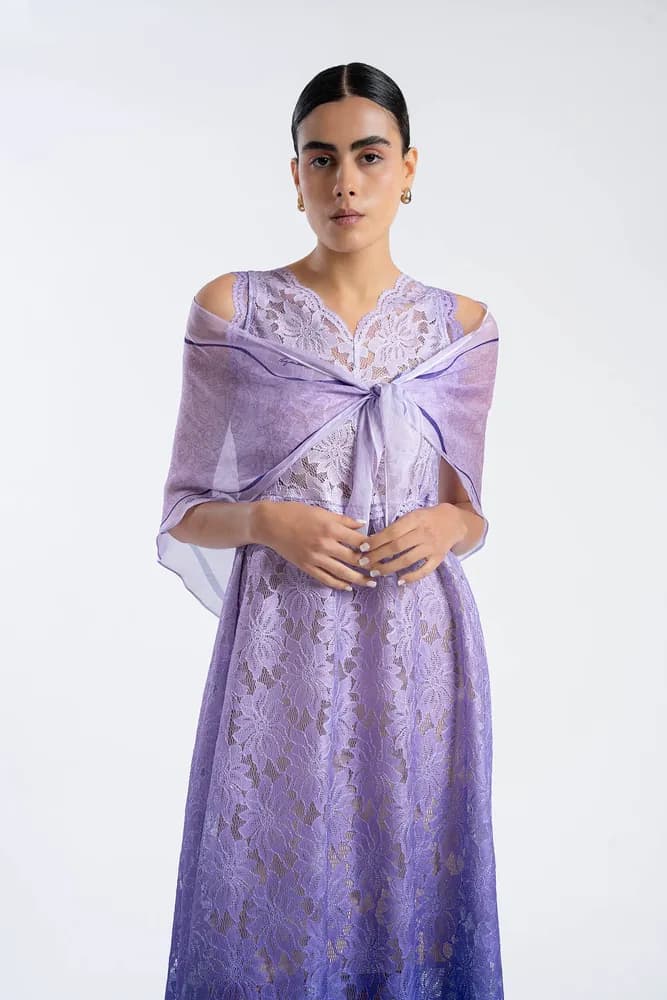
Virtual try-on
Show every garment on the same model, one look after another.
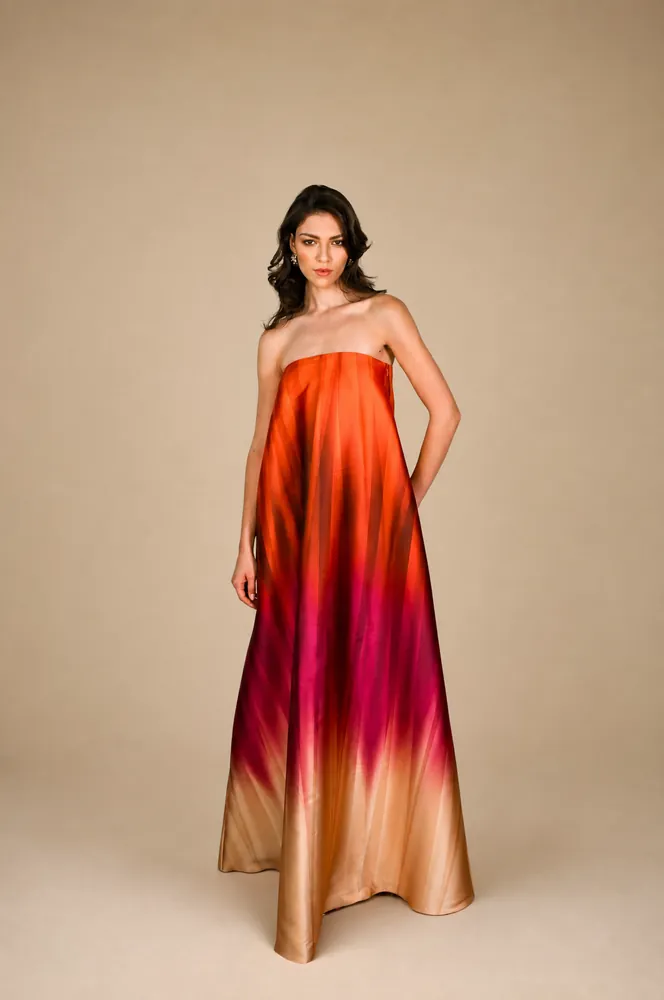
AI lookbook
A consistent lookbook or catalogue for a whole collection.
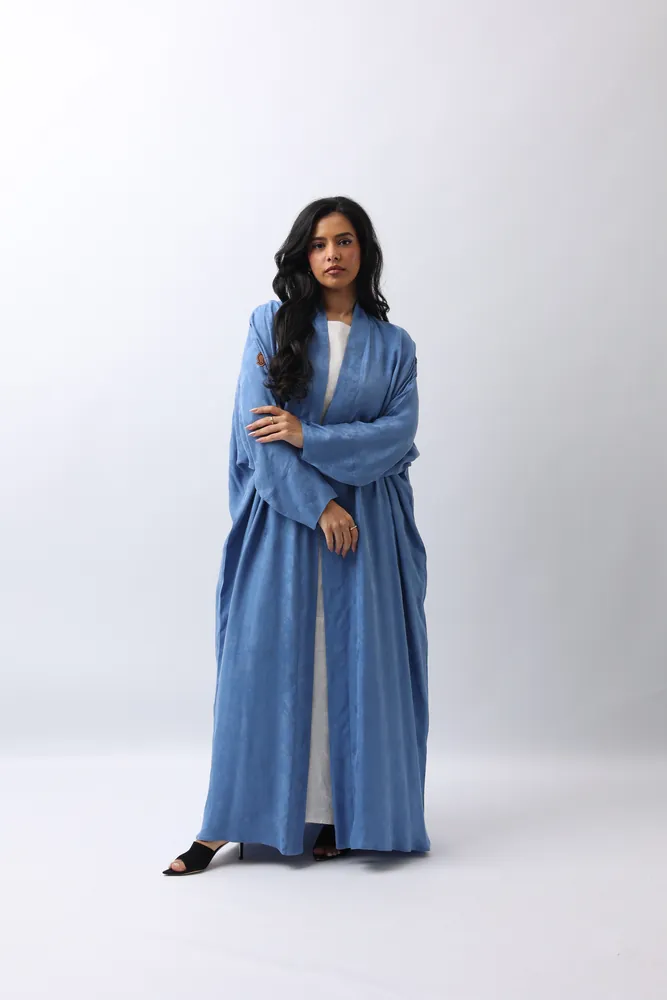
Marketplace images
Listing images for Noon, Amazon, Jumia and your Shopify store.
- The platformThe five steps behind every image, from choosing the model to the 4K output.
- PricingCredit packs with no subscription. Credits never expire, and you start with 20 free.
- GalleryEditorial, e-commerce and lifestyle frames from the TallaAI studio.
Your next campaign,
shot in an afternoon.
20 free credits when you sign up. No card, no contract, no reshoot.