One studio, any setting.
A Mediterranean cliffside, desert dunes, a beach and a home kitchen. Each setting changes the mood of a picture; with a background swap, it is a choice you make on screen.
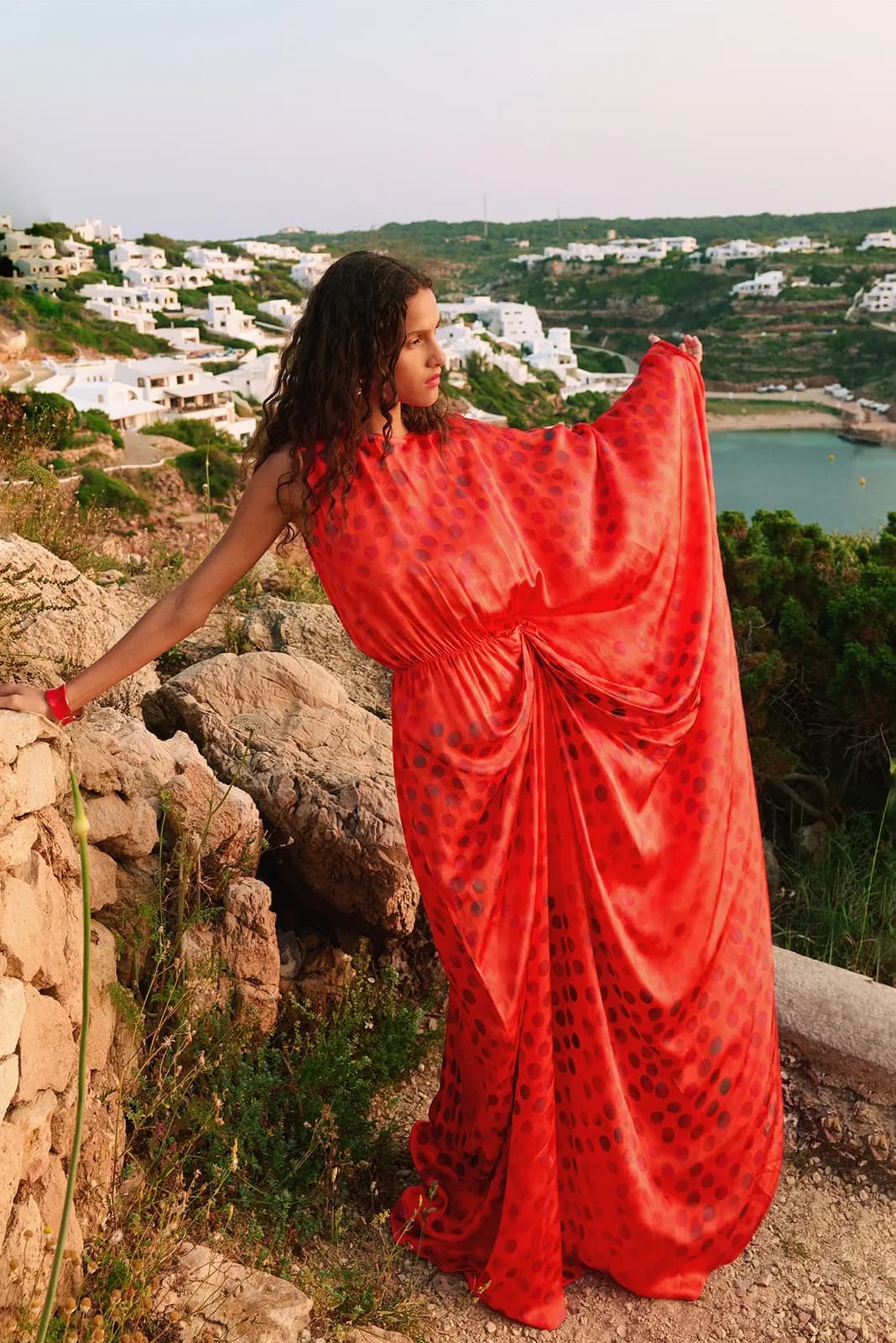
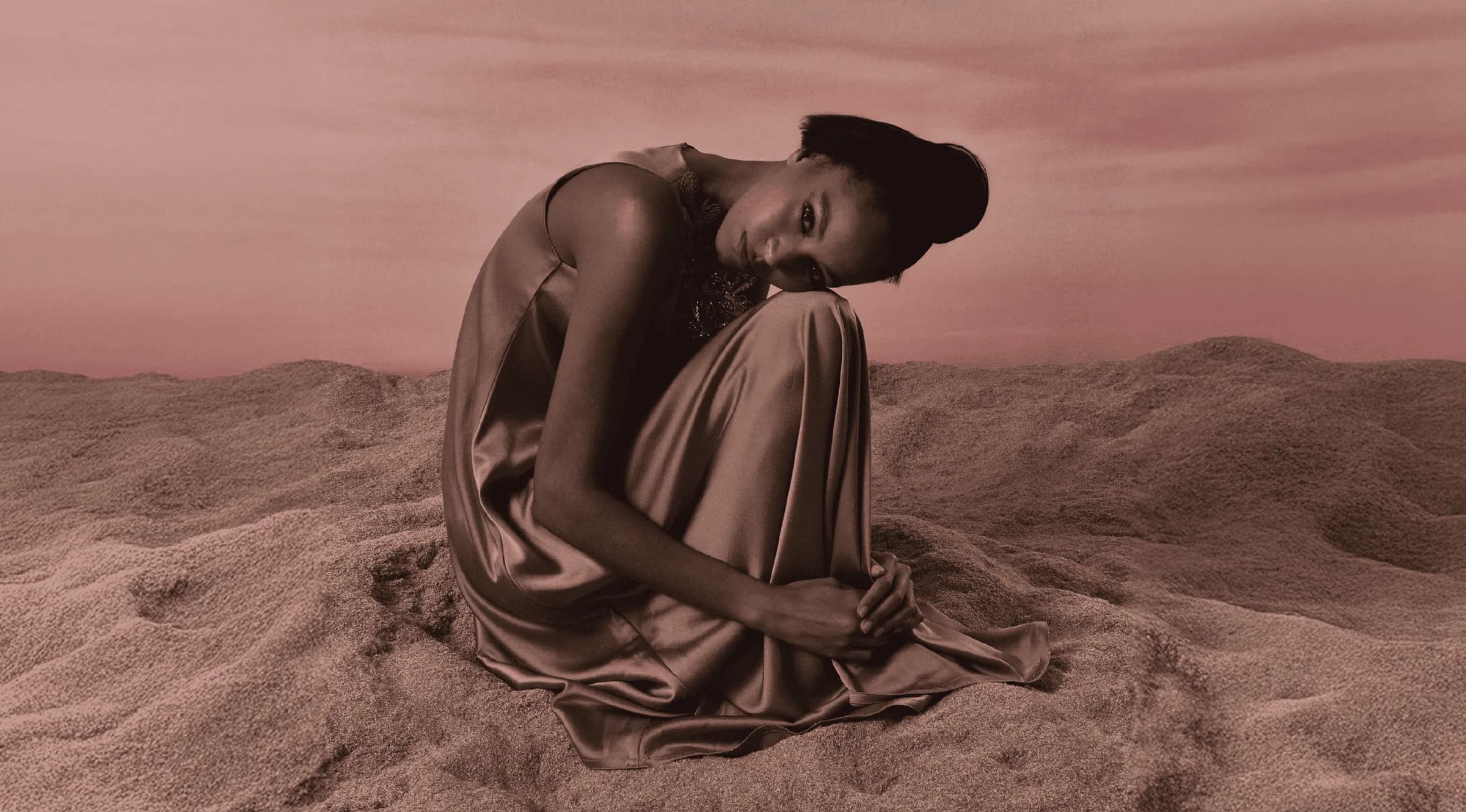
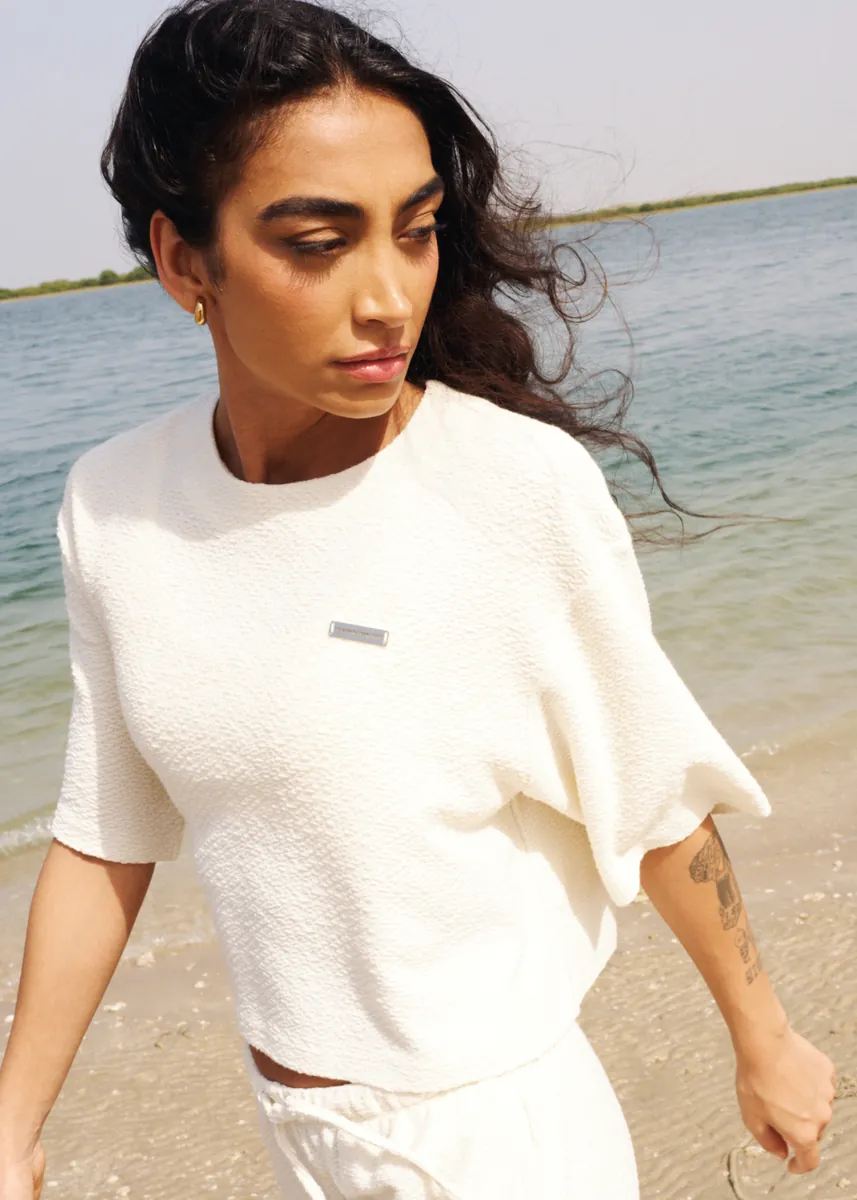
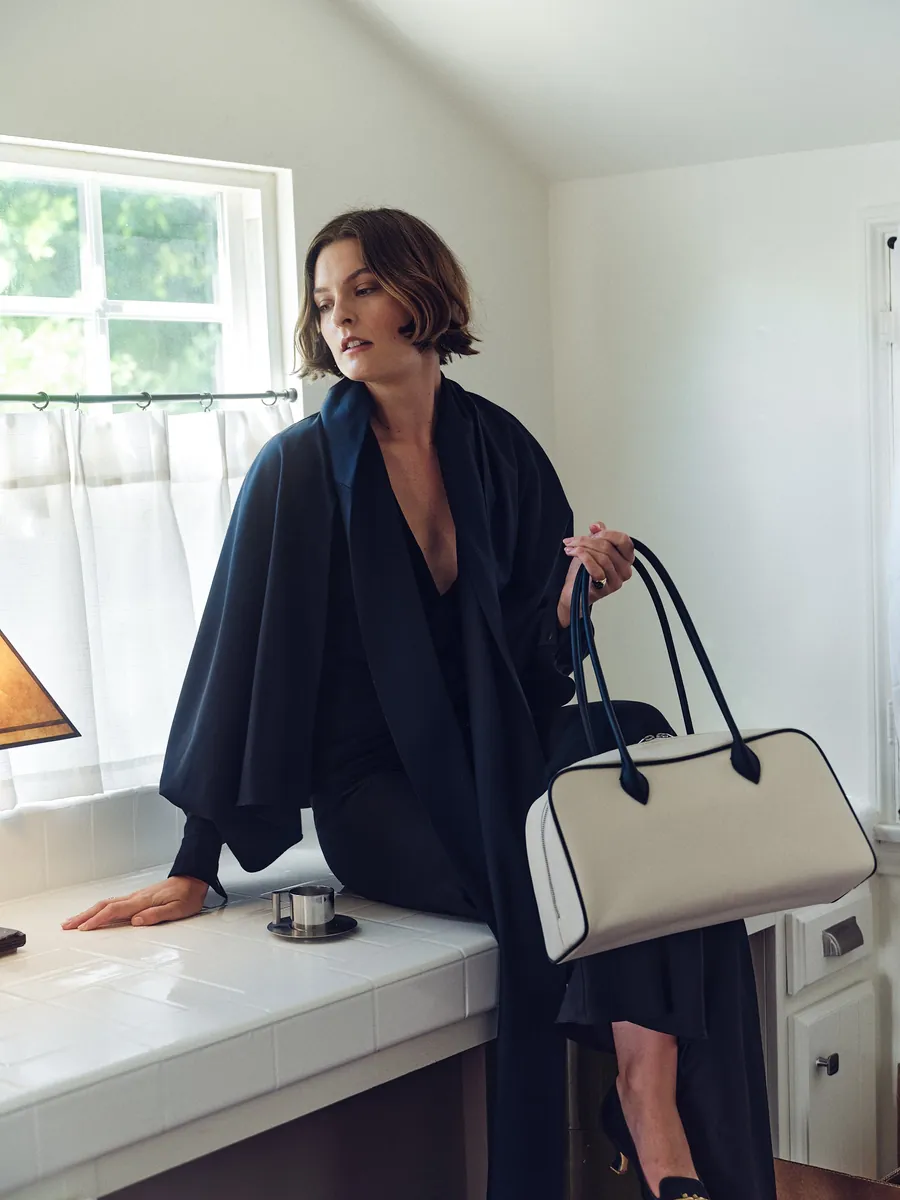
Swap the background in four steps.
- 01
Upload your photo
Start from a product shot or an on-model image you already have.
- 02
Choose the setting
Studio sweep, city street, beach, desert or interior: pick the place that suits the piece and the season.
- 03
Match the light
Soft studio light, bright midday or golden hour, so the product and the setting look like one photograph.
- 04
Export and reuse
Download in up to 4K, then run the same product through other settings for ads, banners and social.
Change the background, not the shoot.
No location scouting
No permits, travel or weather risk. The setting is something you pick, not something you book.
A new season without a reshoot
Move the same collection from summer light to winter interiors when the campaign changes.
Light that fits the scene
A product pasted onto a backdrop looks cut out. Light and shadow that match the setting make the image read as one photograph.
Settings that fit your brand
Keep a signature backdrop for your store and use bolder locations for campaigns and social.
What is an AI background swap?
It replaces what is behind your product, whether a white wall, a studio sweep or a cluttered room, with a new setting, and adjusts the light so the product sits naturally in it.
Does changing the background change my product?
No. TallaAI changes what is around the piece and keeps its colour, cut and texture. Check each image against the real product before you publish.
Can I get a plain white or grey background instead?
Yes. A clean studio backdrop is a setting like any other, which helps when a store or marketplace asks for plain product images.
What kind of photo gives the cleanest result?
A sharp, evenly lit photo that shows the whole product without cropping it. Fringing, hair and sheer fabric come out cleaner when they are in focus.
How many backgrounds can I try for one product?
As many as you like. Most standard images use 1 credit, so trying a few settings before you choose one costs little.
Related use cases.
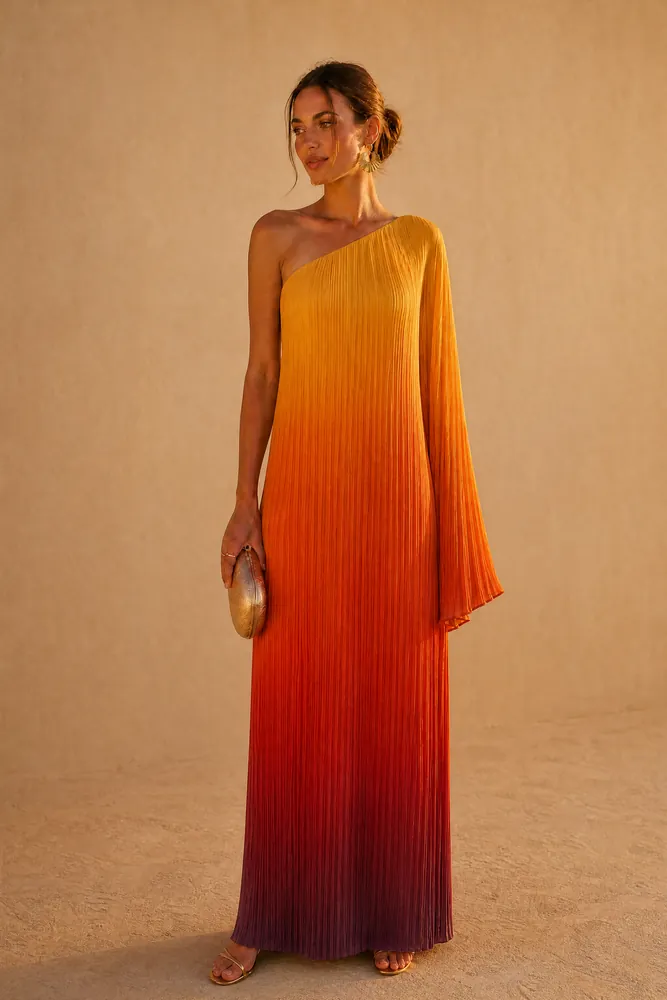
Flat lay to model
Turn ghost-mannequin and flat-lay photos into on-model images.
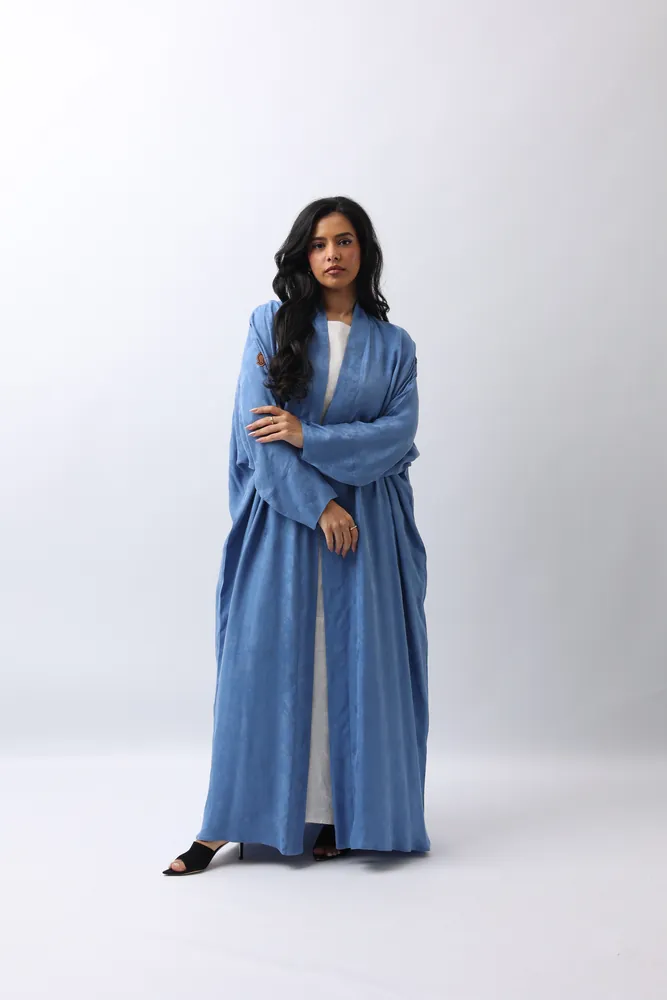
Marketplace images
Listing images for Noon, Amazon, Jumia and your Shopify store.
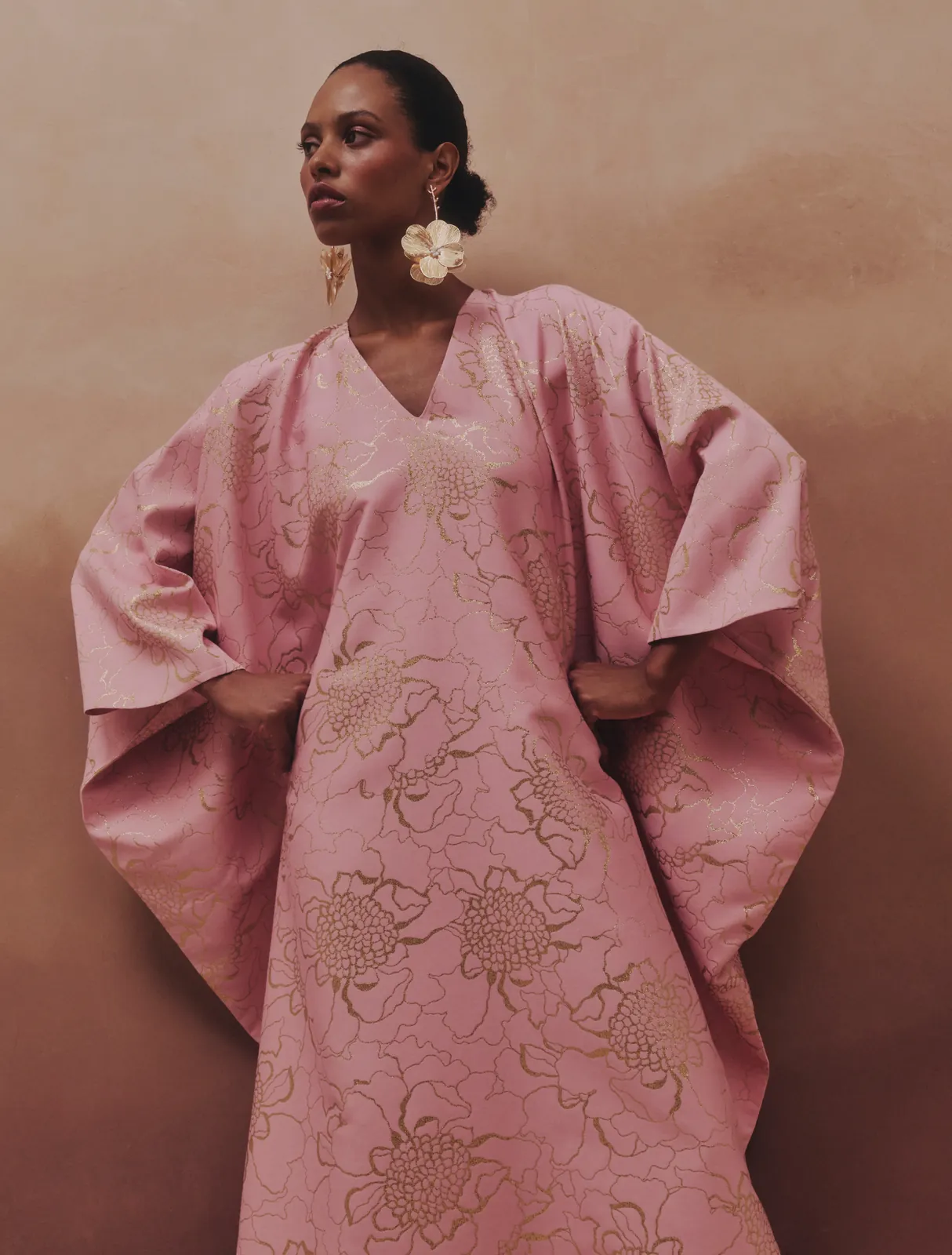
Kaftans & traditional wear
Kaftans, takchitas and jellabas on models, with every detail kept.
- The platformThe five steps behind every image, from choosing the model to the 4K output.
- PricingCredit packs with no subscription. Credits never expire, and you start with 20 free.
- GalleryEditorial, e-commerce and lifestyle frames from the TallaAI studio.
Your next campaign,
shot in an afternoon.
20 free credits when you sign up. No card, no contract, no reshoot.